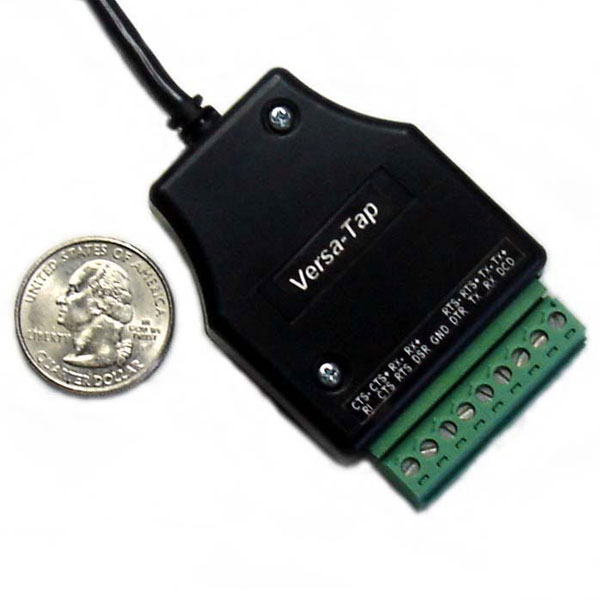
Versa-Tap™ HDLC RS-232 / RS-422 / RS-485 Passive Tap Module – USB Port

$450.00

Stratus Engineering’s Versa-Tap™ module is a powerful hardware solution that features state-of-the art electronics and provides exceptional data-logging/analyzer capabilities:

  • Easy-to-use screw-terminal communication interface connection
  • NO bulky cabling
  • USB access from MS Windows host computer
  • Support for Synchronous HDLC analysis
  • Driver software for MS Windows 2000/XP/Vista/7/8/10 (both x32 and x64)
  • FREE data monitoring application software
  • Captures and time tags state changes on all 6 RS-232 handshaking lines
  • Exact hardware microsecond time tagging of all data transfers and handshaking events
  • Supports baud rates up to 2 Mbps
  • Supports RS422/RS485, RS232 and 3.3V/5V TTL voltage levels
  • New! Automatic baud rate and communication parameter detection for standard baud rates up to 921,600 bps
  • Money-Back guarantee – 30 day

Versa-Tap™ offers these capabilities at a fraction of the cost of the nearest competitor and is available in a convenient small and lightweight package.

Description

The Versa-Tap™ is a multi-protocol passive tap module that supports RS-232, RS-422, RS-485, and 3.3V/5V TTL — designed for engineers who need to monitor serial data across multiple interface standards without interrupting live connections.

Versa-Tap features:

  • Supports RS-232, RS-422, RS-485, and 3.3V/5V TTL voltage levels
  • Synchronous HDLC analysis support
  • Baud rates up to 2,000,000 bps
  • Automatic baud rate and parameter detection up to 921,600 bps
  • Exact microsecond time-tagging of all data and handshaking events
  • Includes PC-compatible device drivers, 6ft Mini-B USB cable, and EZ-View™ monitoring software
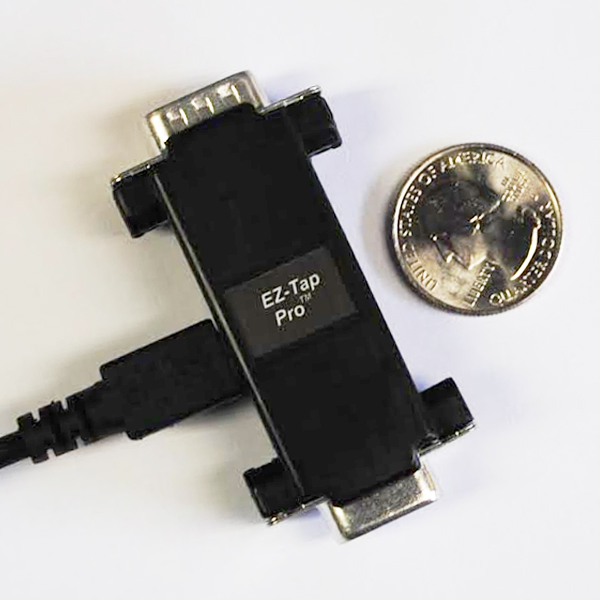
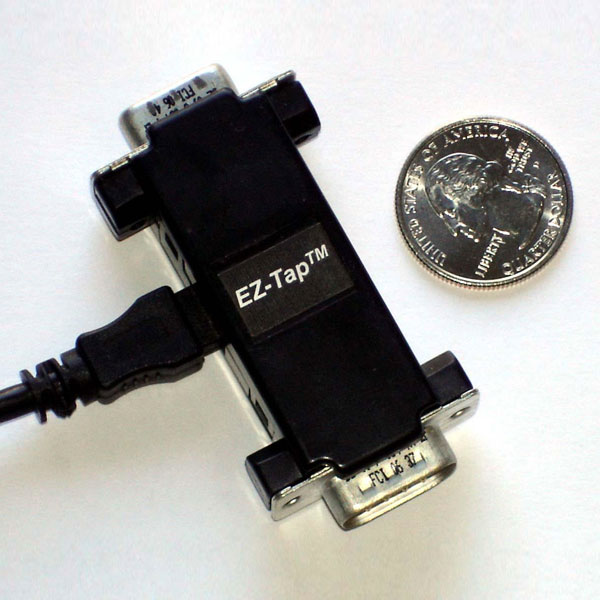
  • Same compact form factor as EZ-Tap and EZ-Tap Pro

Available at a fraction of the cost of comparable protocol analyzers.

Device Driver Installation

Download the latest device drivers and installation guide from our downloads page. The EZ-Tap, EZ-Tap Pro, and Versa-Tap all use the same driver. Unzip the files and run the Windows hardware installation wizard. Once installed, Versa-Tap will appear as a USB COM port in Windows Device Manager.

Connecting Versa-Tap to Your System

Once Versa-Tap and EZ-View are running on your Windows PC, connect the screw terminals to the system under test. Terminals are labeled with their RS-232 and RS-422 signal names. Select the appropriate signaling level (RS-232/TTL, RS-422, or Inverted RS-232/TTL) in EZ-View before capturing data.

EZ-View™ RS-232 Monitor Application

EZ-View version 1.4.1.0 or higher is required for Versa-Tap. Stratus Engineering’s free EZ-View monitoring software supports EZ-Tap, EZ-Tap Pro, and Versa-Tap with the same interface across all devices. Download the latest version from our downloads page. Docklight also supports Versa-Tap.

Custom Software Development

For users requiring more sophisticated data extraction and analysis, Stratus Engineering supports custom application software development via a .DLL-based Windows API. Contact us for details and example interface software.

Further Reading

Additional information

Weight 3.5 oz
Dimensions 9 × 7 × 1 in

Related Products

$375.00

Add to cart

$265.00

Add to cart