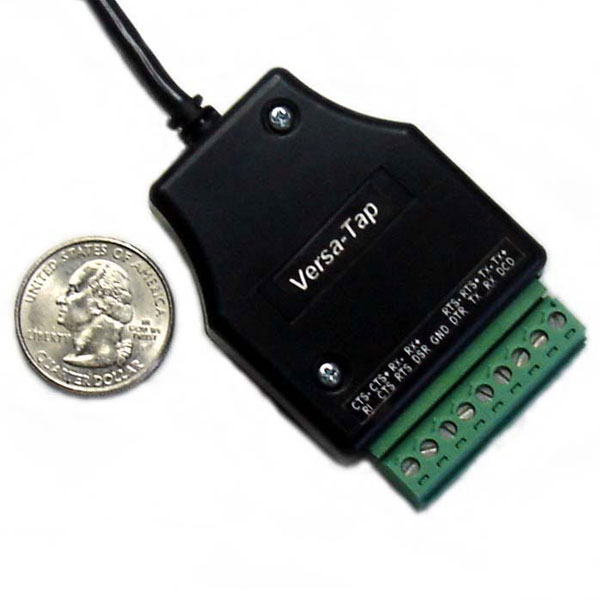
Stratus Engineering’s Versa-Tap is our multi-protocol passive tap module. One unit monitors RS-232, RS-422, RS-485, and 3.3V/5V TTL, so a lab running mixed interface standards does not need a separate tap for each.
Versa-Tap features:
- Fully passive monitoring across RS-232, RS-422, RS-485, and 3.3V/5V TTL, invisible to the devices on the link
- Signaling level selectable in software, no external converters or level shifters
- Hardware time-tagging at microsecond resolution, independent of the host PC
- Captures and time-tags state changes on all six RS-232 handshake lines
- Synchronous HDLC analysis support
- Baud rates up to 2,000,000 bps
- Automatic baud rate and parameter detection up to 921,600 bps
- Works with free EZ-View software and third-party dual COM port applications, including Docklight
- Driver software for MS Windows 2000 through 11
- Screw terminal connections; compact USB-powered module; 6 ft Mini-B USB cable included
Versa-Tap offers these capabilities at a fraction of the cost of the nearest competitor, in a small and lightweight package.
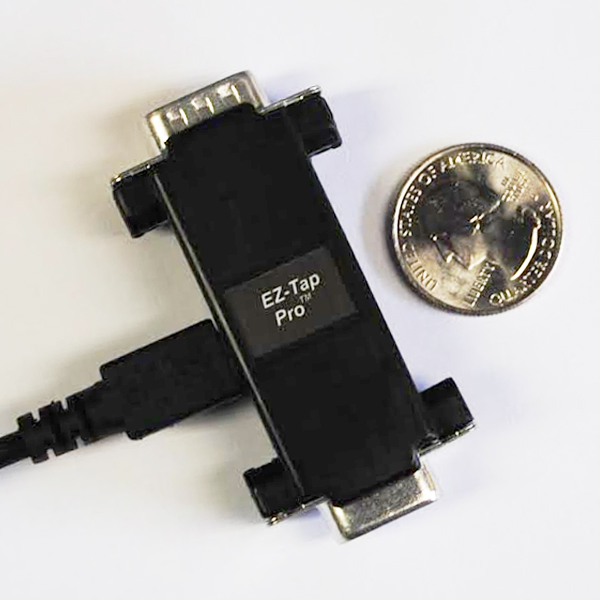
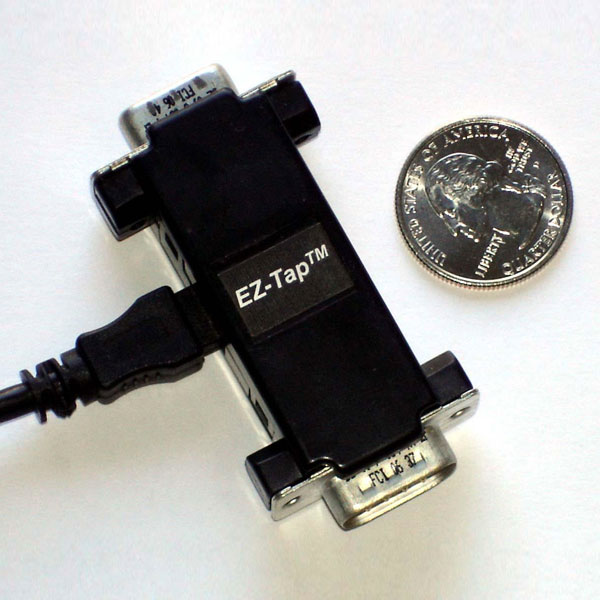
Monitoring plain RS-232 only? The EZ-Tap and EZ-Tap Pro cover that at lower cost.
Unconditional 30-day money-back guarantee. Not what you expected? Return it within 30 days for a full refund, no questions asked.
Trusted by engineers at Microsoft, Oracle, GE, Lockheed Martin, Caterpillar, Medtronic, and 70+ other companies.

Michael Strauch –
I often found the versa-tap to be a useful tool when debugging serial interfaces. The software could hardly be any easier to use. The timestamps in the log file were particularly useful at times.